
A practical turnover workflow
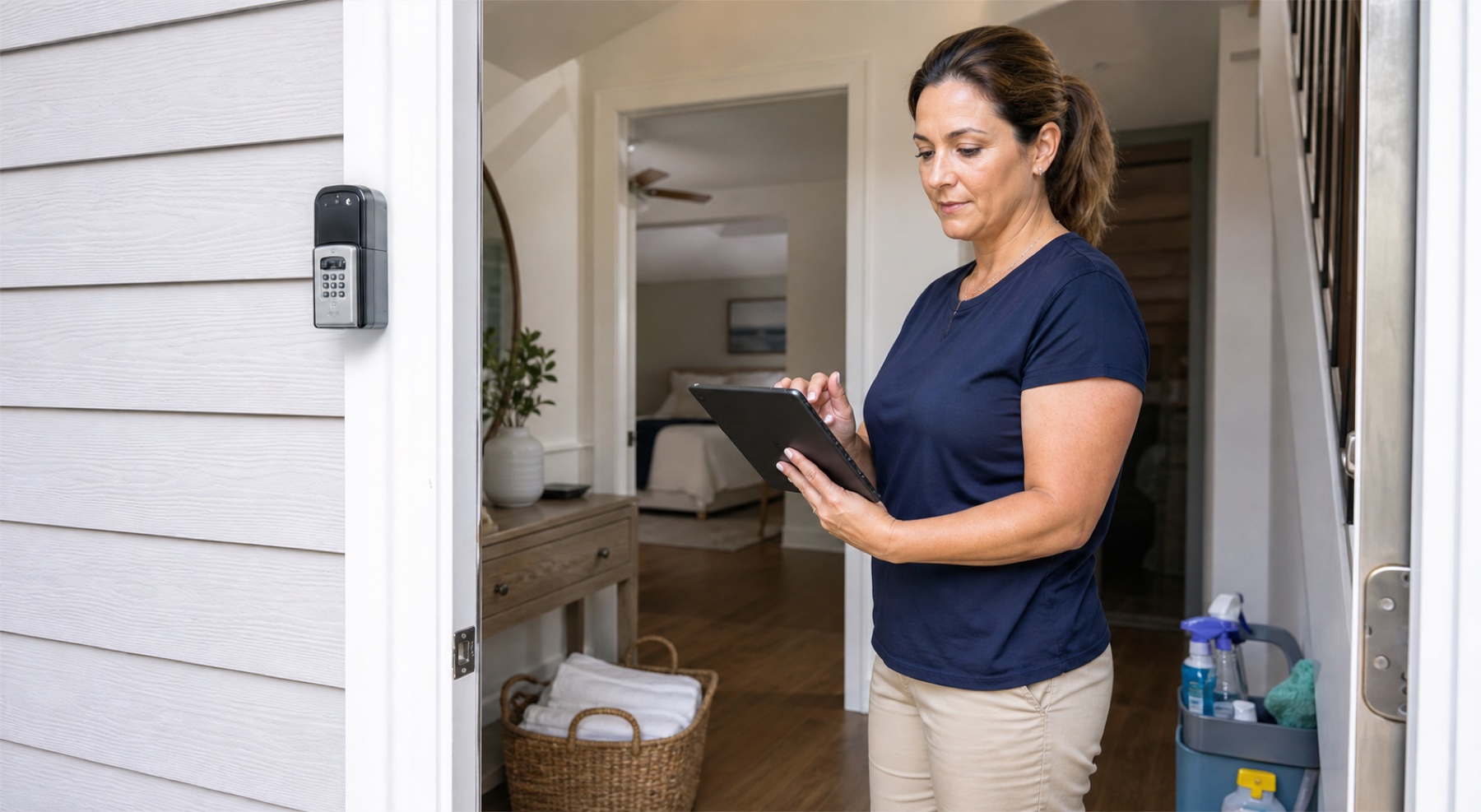
Create each property once, include the information a cleaner needs, add or import cleaning dates, and assign a responsible crew member. On the day of work, use the job record as the shared reference.
Same-day turnovers deserve a visible cleaning window and an explicit confirmation. Do not assume that a calendar event means a person accepted the job.
- Confirm the cleaner before checkout day
- Record access and property-specific instructions
- Use status updates instead of separate message threads
- Escalate late or declined work to a backup
Pricing and fit
PlanAhead offers Free ($0), Basic ($7.99/month), Pro ($14.99/month), and Unlimited ($24.99/month) plans in the United States. App Store or Google Play shows the final localized price before purchase.
PlanAhead focuses on scheduling, crews, shared job context, and its cleaner marketplace. It is not a full property-management system for reservations, dynamic pricing, accounting, or channel distribution.
Operational limitations
PlanAhead is not affiliated with Airbnb, Vrbo, Booking.com, Turno, Breezeway, or Properly. Calendar imports depend on third-party iCal feeds, which can update with a delay. Always keep an operational backup for urgent same-day changes.
No scheduling app can guarantee a completed clean. Owners remain responsible for confirming coverage, access, quality, and local employment or contractor requirements.
Questions people ask
Frequently asked questions
Is PlanAhead a property management system?
No. It supports the cleaning and turnover workflow; it does not replace a PMS for reservations, rates, accounting, or guest-channel management.
Can cleaners use the same schedule?
Yes. Invite crew members so they can see work relevant to the shared workspace and update the job.
Does it work for direct bookings?
Yes. Add direct-booking and non-rental cleanings manually.