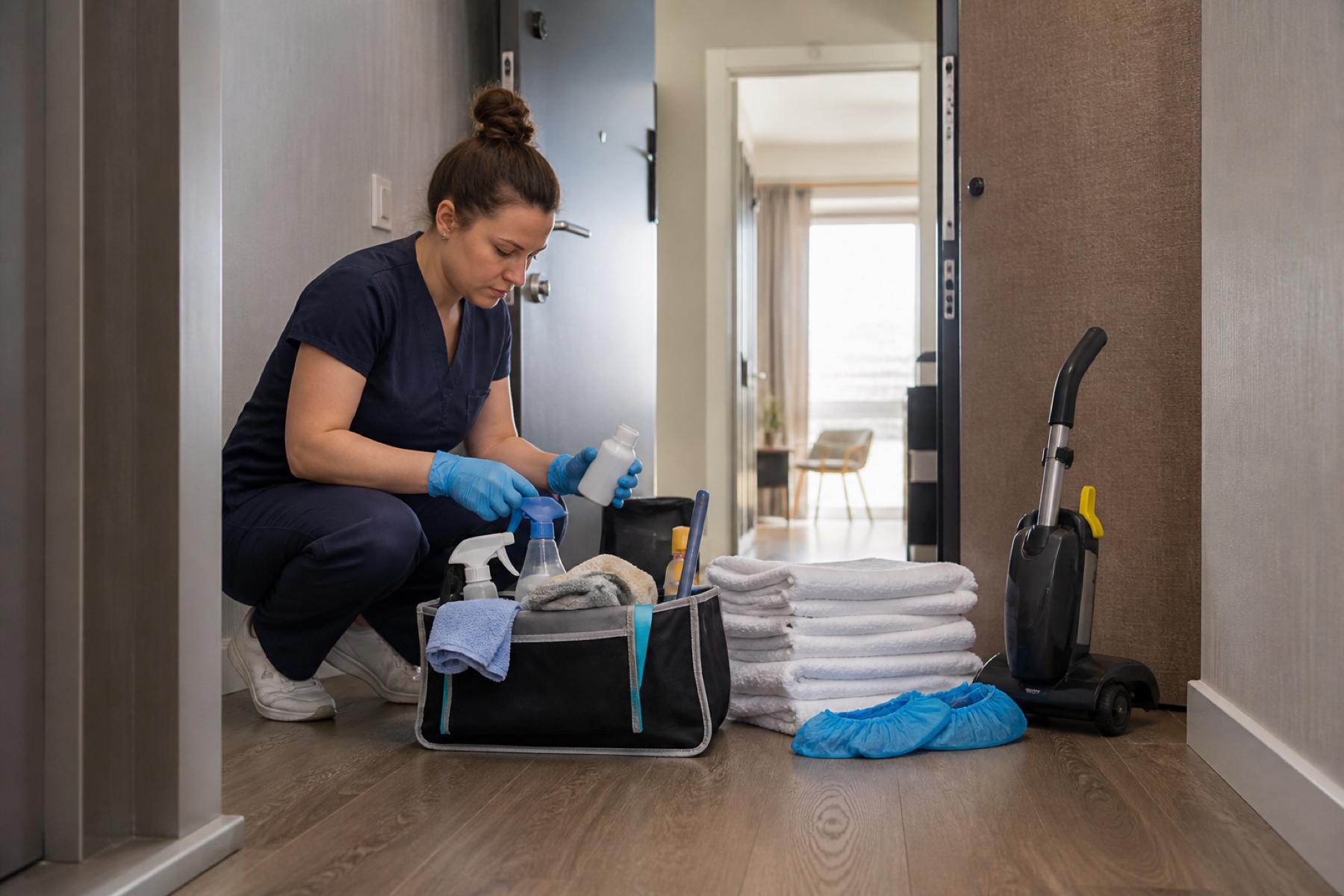
Before accepting the job
Confirm the address, date, cleaning window, property size, expected scope, laundry, supplies, access, rate, and payment terms. A short job title is not enough to estimate work or promise an arrival time.
Ask who can approve added work if you find damage, excessive mess, missing linen, or a maintenance issue. Without that contact, the team may either stop unnecessarily or perform unpaid work.
Before traveling
Review the current schedule rather than relying on an old screenshot. Check parking and access, load property-specific supplies, and tell the responsible contact promptly if another job threatens the arrival window.
- Verify the property—not just the street
- Check key or smart-lock procedure
- Confirm laundry and consumables
- Know the next guest deadline
- Carry the escalation contact
During and after the clean
Use the agreed checklist or job notes. Report problems when found, include enough context to make a decision, and avoid sharing guest or access information outside the authorized workspace.
Before marking complete, walk the property in the same order a guest will encounter it. Confirm doors, temperature, visible supplies, laundry, trash, and any requested completion evidence.
Build a business, not an inbox
Keep client workspaces and property notes organized, define your service area and cancellation terms, and review route profitability. Software can reduce coordination but cannot replace written commercial terms, insurance, tax compliance, or safe chemical and labor practices.
Frequently asked questions
What details should I require before quoting?
At minimum: property size, scope, laundry, supplies, frequency, access, deadline, travel, and unusual features or conditions.
When should I report a problem?
As soon as you discover something that threatens scope, safety, cost, or the next guest deadline.
Can PlanAhead set my rates?
No. You and the customer agree on rates, payment, cancellations, and added work.