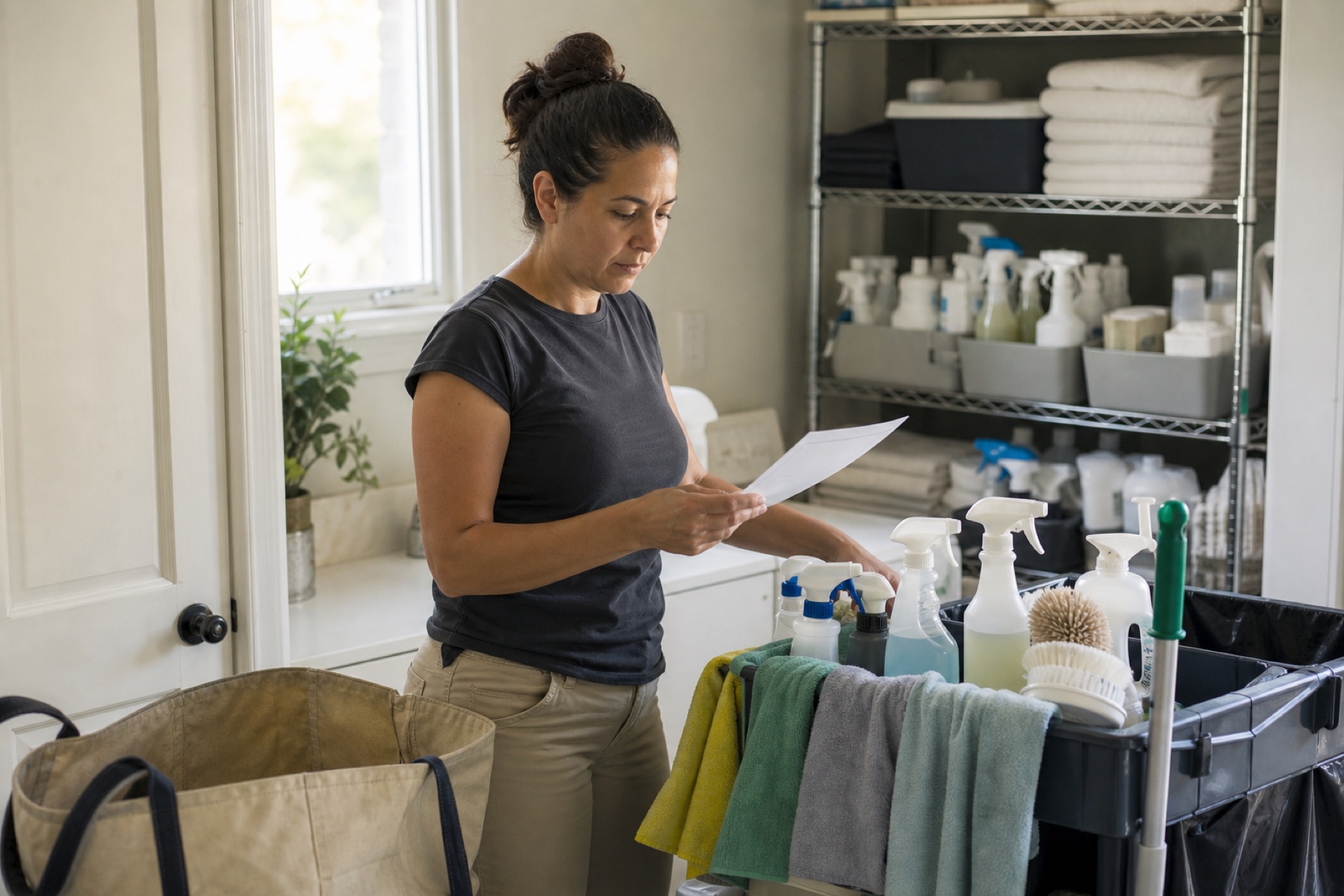
When you write cleaning instructions for a vacation rental, it's tempting to include everything you know about the guest—their name, arrival time, or payment details. But storing unnecessary guest data in cleaning notes creates security risks, clutters your instructions, and distracts your cleaner from the actual work. This guide explains what to keep out, what to include instead, and how to organize your notes so your team can work safely and efficiently.
Your cleaning team needs access to notes to understand the property and complete their tasks. They don't need guest names, phone numbers, email addresses, or personal preferences unrelated to cleaning. By separating guest data from operational instructions, you protect guest privacy, reduce accidental data exposure, and make your cleaning notes faster to read and act on.
Why Guest Data Doesn't Belong in Cleaning Notes
Your cleaning team needs access to notes to understand the property, complete their tasks, and communicate about problems. But they don't need guest names, phone numbers, email addresses, payment methods, or personal preferences unrelated to cleaning. Each piece of unnecessary information is a potential security exposure if a device is lost, a message is forwarded by mistake, or a former team member retains access to old notes.
Cleaning notes are shared across your workspace—sometimes with multiple cleaners, admins, or backup staff. The more guest data you include, the more people who have access to it. Permanent property instructions like 'use only vinegar on marble counters' can stay in your house profile and remain stable across many cleanings. One-time cleaning details belong in the specific cleaning, but only if they're operational, not personal.
Guest data also clutters your notes and slows down your cleaner's ability to scan for what matters. A cleaner arriving at a property with a tight turnaround window needs to see task priorities, access instructions, and safety notes immediately. Scrolling past guest names and booking details wastes time and increases the chance that important cleaning steps get missed.
- Review your last five cleaning notes and highlight any guest names, contact details, or payment information.
- Ask yourself: Does the cleaner need this information to complete the job or access the property?
- Move any permanent property rules to your house profile instead of repeating them in every cleaning note.
What to Include in Cleaning Notes Instead
Cleaning notes should focus on the specific work for that cleaning and any one-time operational details. Start with the task list—what rooms need attention, what surfaces need special care, and what appliances might need extra time. If the property has a standard cleaning routine, keep that in your permanent property instructions so you don't repeat it for every guest. Then add only the details that change: 'Check for pet hair in the bedroom' or 'Checkout is 10 a.m. instead of the usual 11 a.m.'
Include access instructions if they differ from the standard procedure. For example, 'Gate code is 5-5-5-5' or 'Key is in the lockbox on the back porch' belongs in the cleaning note because the cleaner needs it to enter the property. Checkout times and property access details are operational—they help your cleaner plan their day and know when they need to be finished.
If a guest has requested something that affects the cleaning—'Use hypoallergenic products only' or 'Do not move the furniture in the living room'—include that as a one-time instruction. Frame it as a task or constraint, not as personal information about the guest. The cleaner needs to know what to do, not why the guest requested it.
- Create a template for your cleaning notes that separates task list, access instructions, and one-time requests.
- Keep your permanent property instructions in your house profile so they appear automatically for every cleaning.
- Use PlanAhead's task lists and property instructions features to organize what stays the same versus what changes per cleaning.
Organizing Permanent Instructions Separately
PlanAhead lets you keep permanent property instructions separate from one-time cleaning details. Your house profile can include standing rules like 'Always lock the back door,' 'The dishwasher is broken—hand wash only,' or 'Linens go in the hall closet.' These instructions stay in one place, don't clutter individual cleaning notes, and don't need to be rewritten for every guest.
One-time cleaning details—the specific tasks for this turnover, the guest's checkout time, or a temporary access change—go in the cleaning itself. This keeps your notes focused and makes it easy for a cleaner to see what's different about this particular job. If you use backup cleaners or rotate staff, this separation also means a new team member can quickly understand both the property's standard procedures and what's unique about today's cleaning.
When you separate permanent from temporary instructions, you also reduce the chance of outdated information lingering in old cleaning notes. If you update a property rule, you update it once in the house profile. You don't have to hunt through dozens of past cleanings to fix a repeated mistake or outdated detail.
- Open your house profile and add or review your permanent property instructions.
- For your next cleaning, write only the one-time details in the cleaning note—not the standing rules.
- Test this workflow with one property and adjust based on what your cleaner finds helpful.
Safe Practices for Sensitive Operational Details
Some operational details are necessary but sensitive—like gate codes, lockbox combinations, or WiFi passwords. These belong in cleaning notes because your cleaner needs them to access the property. But treat them carefully. Use PlanAhead's role-based access so only the assigned cleaner and your admins can see the cleaning details. Avoid texting codes or passwords in messages if you can include them in the cleaning note instead, where they're tied to a specific job.
If a guest has left special instructions for the cleaner—'Please don't move the plants' or 'The vacuum is in the garage'—include that as a task or note. But don't include the guest's name, phone number, or any personal details alongside it. The cleaner needs the instruction, not the context about who made it.
After a cleaning is complete, consider whether sensitive details like codes or passwords should remain visible in old cleaning records. Some owners delete or redact this information after the guest has checked out. Others keep it for reference if the same guest returns. Decide what makes sense for your business and your security practices.
- Store access codes and passwords in the cleaning note, not in messages or separate documents.
- Limit who can view each cleaning by using role-based workspace access.
- Review old cleaning notes periodically and remove or redact sensitive details you no longer need to keep.
Limitations and checks
- PlanAhead is not a property-management system or booking channel. Guest information should be stored in your booking or property-management platform, not in PlanAhead cleaning notes.
- Role-based workspace access controls who can view cleaning details, but it does not encrypt or anonymize data. Owners and admins with workspace access can still see all cleaning notes and messages.
- Removing guest data from cleaning notes is a best practice for security and clarity, but it does not guarantee that sensitive information will not be exposed if a device is lost or an account is compromised. Use strong passwords and enable biometric authentication where supported.
- PlanAhead is not a legal adviser. If you have questions about data privacy, guest information retention, or compliance requirements for your rental business, consult a legal professional or your local regulatory authority.
Frequently asked questions
What if a guest has a special request that affects the cleaning?
Include the request as a one-time task or instruction in the cleaning note. For example, 'Use hypoallergenic products only' or 'Do not move the furniture.' Frame it as what the cleaner needs to do, not as personal information about the guest. Your cleaner needs to know the task, not the guest's name or reason for the request.
Should I include the guest's checkout time in the cleaning note?
Yes. Checkout time is operational information your cleaner needs to plan their day and know when they must finish. Include it in the cleaning note or in your property's standard instructions if checkout is always the same time. But don't include the guest's name, arrival time, or personal details alongside it.
Where should I store access codes and WiFi passwords?
Store them in the cleaning note itself, not in messages or separate documents. This keeps sensitive details tied to a specific cleaning and limits who can see them through role-based workspace access. After the guest checks out, you can decide whether to keep, delete, or redact this information in old cleaning records.
What if I need to contact a guest during a cleaning emergency?
Keep guest contact information in your booking system or property-management records, not in PlanAhead cleaning notes. If an emergency happens during a cleaning, you can look up the guest's number separately. Your cleaner can contact you through PlanAhead messages, and you can then reach the guest if needed. This keeps your cleaning workspace focused on operational tasks.
This article provides general operational guidance. Calendar-feed timing depends on third-party systems; confirm urgent changes directly.