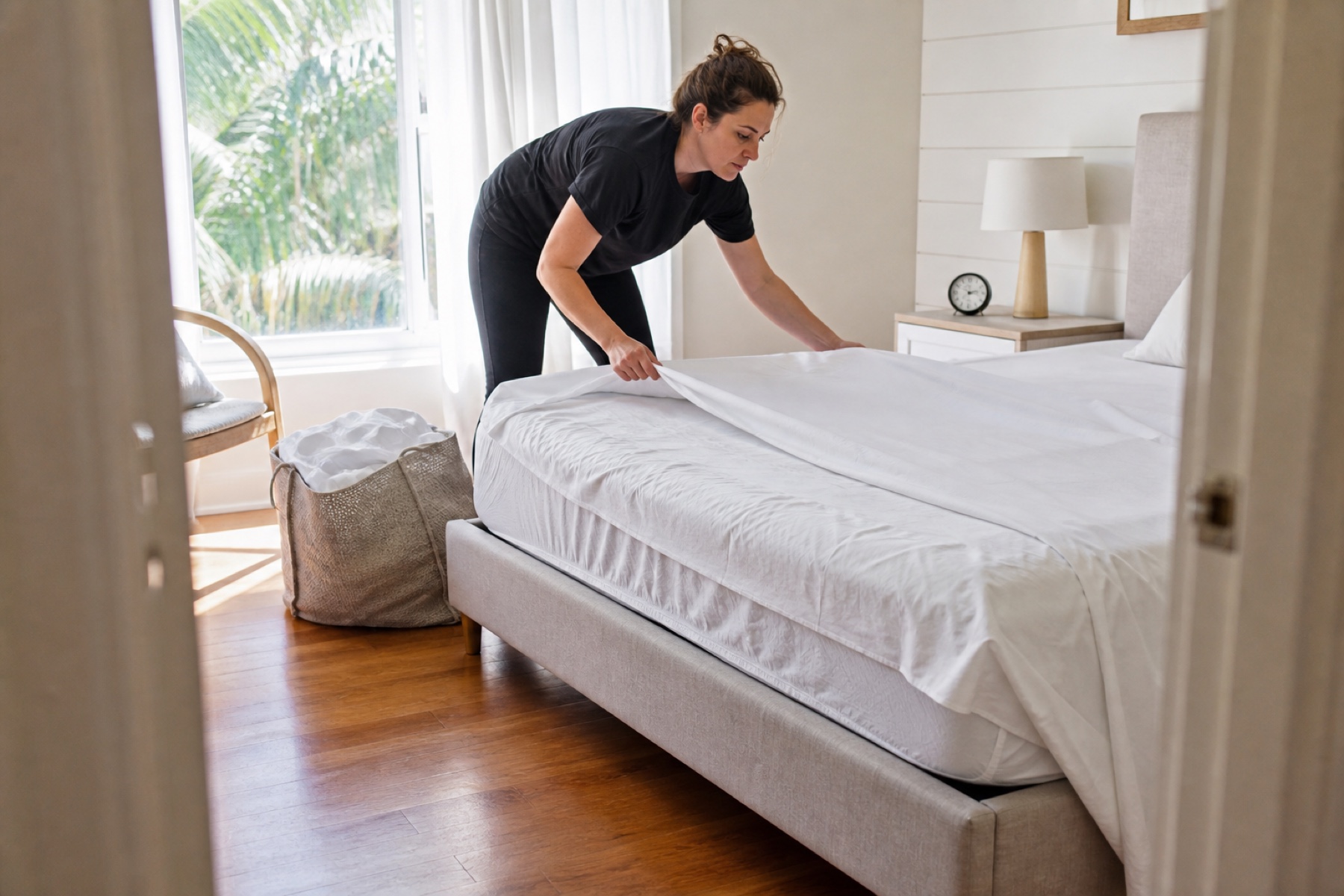
The difference between a smooth cleaning day and a stressful one often comes down to what you know before you leave home. A confirmed assignment, clear access instructions, realistic travel time, and property-specific details can save you hours of frustration and keep your schedule on track.
This guide walks you through the practical steps to take before you travel to any property—whether it's a regular client, a new booking, or a same-day request. You'll learn what to verify, what to prepare, and what to do if something doesn't match what you expected.
Confirm Your Assignment and Attendance Status
Before you pack your supplies or leave home, make sure you're actually assigned to the cleaning. In PlanAhead, an assignment means you're responsible for that job, but it's separate from your day-before attendance confirmation. Check your Schedule to see which cleanings are listed under your name and which ones show a status like Pending confirmation or Confirmed.
If you're using PlanAhead, the day before a cleaning you can answer the attendance question with Yes or No. This step is critical: saying Yes confirms that you plan to show up, and it signals to the owner or manager that the job is locked in. If you cannot attend, answer No as soon as you know, so the owner can ask a backup cleaner to cover. Waiting until the morning of the job to cancel leaves the property unassigned and creates stress for everyone.
- Open your Schedule and check that today's cleaning shows your name and a Confirmed status.
- If status is Pending confirmation, answer Yes to confirm attendance before you leave.
- If you cannot attend, answer No immediately so a backup cleaner can be asked to cover.
- Send a brief message to the owner or manager confirming you're on your way.
Verify Access Instructions and Arrival Details
Access failures are one of the most common reasons cleanings start late or get rescheduled. Before you travel, pull up the property details and read the access instructions carefully. Look for the entry method: Is it a keypad code, a key in a lockbox, a smart lock, a property manager who will meet you, or something else? Write down the code or details on your phone or a note card so you're not fumbling with the app when you arrive.
Check whether there's a specific arrival window or deadline. Some properties have guests checking in at a certain time, and your cleaning must be done by then. If the deadline is tight and your travel time is uncertain, leave earlier than you think you need to. Traffic, parking, or a wrong turn can eat up 15 minutes fast. If the access instructions are unclear, vague, or missing entirely, contact the owner or manager before you leave home. Don't show up at a property and discover that the code doesn't work or the lockbox is in a place you can't find.
- Open the property details and read the access instructions word-for-word.
- Write down the entry code, lockbox location, or contact person's phone number.
- Note the arrival window and any hard deadline for completion.
- If instructions are missing or unclear, message the owner or manager before you leave.
- Plan your travel time with a buffer for traffic, parking, or navigation mistakes.
Review Property Instructions and Task Lists
Property instructions come in two types: permanent notes that apply to every cleaning, and one-time details specific to this job. Before you arrive, read both. Permanent instructions might include 'Do not use the guest bathroom' or 'Vacuum the stairs last.' One-time notes might say 'Guest spilled wine on the bedroom rug' or 'Please restock the coffee pods.' Knowing these details before you start saves time and prevents mistakes.
If the property uses task lists, review them too. A task list might break the cleaning into sections: bedrooms, bathrooms, kitchen, living areas. Some properties include specific steps like 'Check under the bed for items' or 'Wipe down the refrigerator shelves.' These lists help you work systematically and ensure nothing gets missed. Pay special attention to any notes about fragile items, off-limit areas, or special equipment. If the property says 'Do not touch the artwork' or 'Use only the microfiber cloths in the cabinet,' you need to know that before you start cleaning.
- Read the permanent property instructions and any one-time cleaning notes.
- Review the task list if one is provided, and note any special steps or sequences.
- Look for warnings about fragile items, off-limit areas, or equipment restrictions.
- If instructions are unclear or seem to conflict, ask the owner or manager for clarification.
- Take a screenshot or note of key details so you can reference them while cleaning.
Check Your Route and Travel Time
If you're cleaning multiple properties in one day, your route matters. In PlanAhead, the Schedule view can help you see your upcoming cleanings in order and understand how much time you have between jobs. Look at the time each cleaning is due, the address of each property, and any travel buffers that have been built in. If two properties are 30 minutes apart and you only have 20 minutes between cleanings, you'll be late.
Use a maps app to check the actual travel time from your current location to the first property, and then between each property. Account for parking time, which can be 5 to 15 minutes depending on the neighborhood. If you're unfamiliar with an area, leave extra time. If your route is unrealistic—too many properties, too little time, or too much driving—communicate that to the owner or manager now. It's better to adjust the schedule before the day starts than to rush through cleanings or miss deadlines.
- Review your Schedule to see all cleanings for the day in order.
- Use a maps app to check travel time between each property, including parking.
- Add a 10- to 15-minute buffer to your estimated travel time for unexpected delays.
- If your route is too tight, message the owner or manager to discuss adjustments.
- Confirm that you have enough time to complete each cleaning before the next deadline.
Prepare Your Supplies and Equipment
Before you leave home, make sure you have everything you need for the day. Check your supply bag: Do you have enough cleaning cloths, disinfectant, vacuum bags, trash liners, and any specialty products the property requires? If a property note says 'Use only eco-friendly products,' make sure you have the right supplies. Running out of supplies mid-job or using the wrong product wastes time and can create problems.
Check your equipment too. Is your vacuum working? Do you have a phone charger? Is your app up to date? If you use PlanAhead to check in and check out, make sure your phone has enough battery to last the day. If you're new to a property or it's a complex cleaning, consider arriving 10 to 15 minutes early to walk through and get your bearings. A quick walk-through helps you plan your route through the property and spot any issues before you start.
- Check your supply bag and confirm you have enough of everything for the day.
- Verify that any specialty products match the property's requirements.
- Test your equipment: vacuum, phone battery, app, and camera.
- Charge your phone fully before you leave home.
- Plan to arrive 10 to 15 minutes early if the property is new or complex.
Limitations and checks
- PlanAhead is not a property-management system or employer. An assignment or confirmed attendance status does not by itself prove that a cleaner accepted or completed a job.
- Calendar-feed refresh can be delayed by third-party systems; urgent changes should be confirmed directly with the owner or manager.
- Access instructions, property notes, and payment details are provided by the owner or manager and may be incomplete, unclear, or subject to last-minute changes. Always verify critical details before you travel.
- Directly arranged payments occur outside PlanAhead and are not collected, held, or protected by PlanAhead. Confirm payment terms with the owner or manager in advance.
Frequently asked questions
What's the difference between being assigned and confirming attendance?
Being assigned means you're responsible for the cleaning, but it doesn't prove you've confirmed you'll show up. The day before a cleaning, you can answer the attendance question with Yes or No. Saying Yes confirms you plan to attend; saying No signals that a backup cleaner should be asked to cover. Always confirm attendance the day before so the owner knows the job is locked in.
What should I do if the access instructions don't work when I arrive?
Contact the owner or manager immediately. Don't wait or try multiple codes—that can trigger a lockout alarm. Call or message right away and explain the problem. Have the owner walk you through the correct entry method, or ask them to meet you at the property. If you cannot reach anyone, document the time and your attempts, and ask the owner to reschedule.
How much travel time should I plan between properties?
Use a maps app to check the actual driving time, then add 10 to 15 minutes for parking, navigation mistakes, or traffic delays. If two properties are 30 minutes apart by car, plan for 40 to 45 minutes between cleanings. If your schedule is too tight, tell the owner or manager before the day starts so you can adjust the route or ask for backup coverage.
What if I notice the property instructions are missing or unclear?
Message the owner or manager before you leave home or before you arrive. Don't guess or assume. A quick clarification now prevents mistakes, damage, or disputes later. If you cannot reach the owner and you're already at the property, take photos of the condition before you start, and ask for written instructions before you begin cleaning.
This article provides general operational guidance. Calendar-feed timing depends on third-party systems; confirm urgent changes directly.