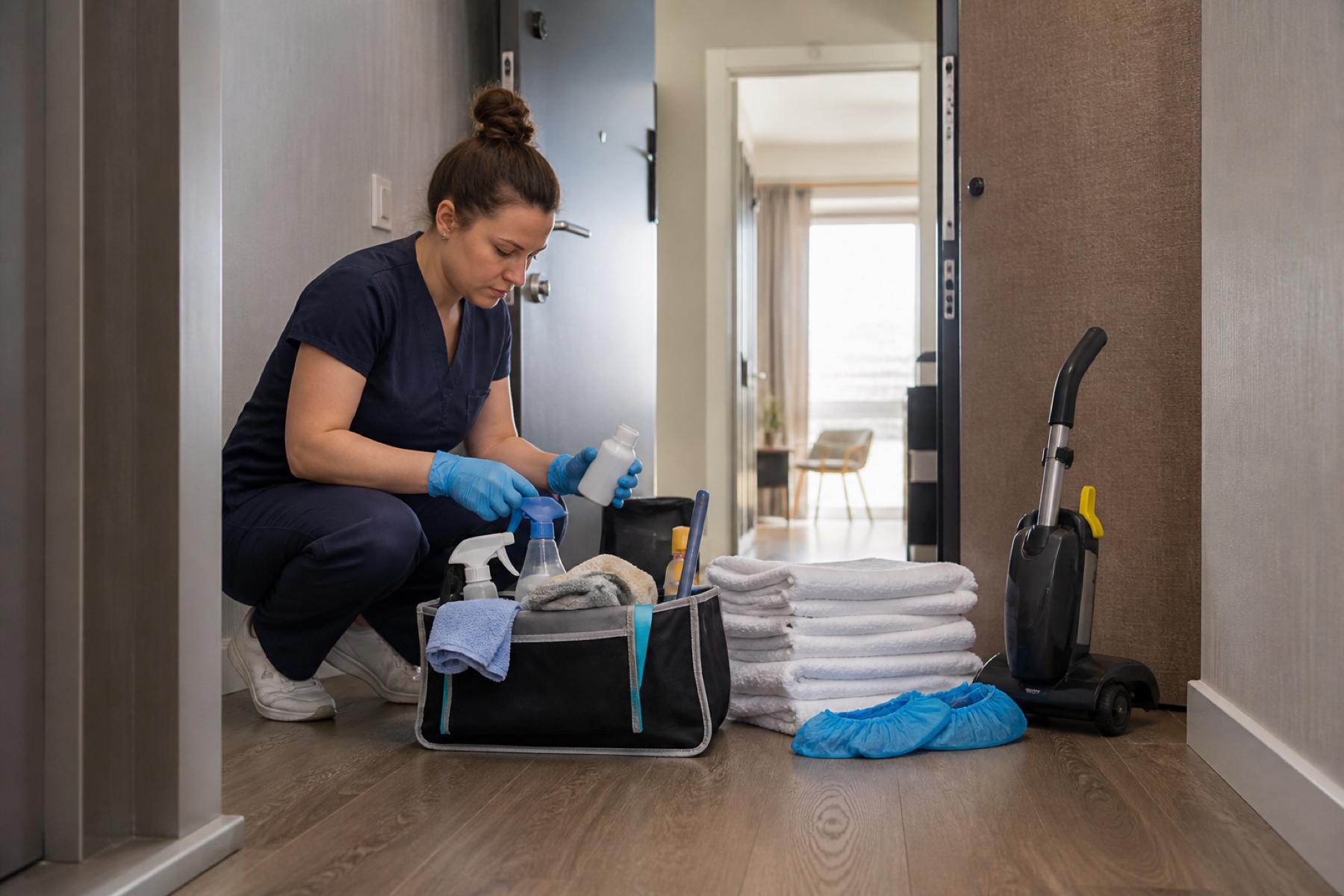
A morning schedule review takes 10 minutes and prevents most of the day's surprises. Before you load the van or send team members to their first property, you need to know which cleanings are confirmed, which ones need backup coverage, and whether your calendar feeds are current. This review is especially important for vacation-rental teams managing multiple properties and tight turnover windows.
The goal is not to memorize every detail—it's to surface problems early enough to fix them. A stale calendar feed, a missing confirmation, or a scheduling conflict discovered at 8 a.m. gives you time to call an owner or activate a backup cleaner. The same discovery at 10 a.m. or noon creates stress and delays guests.
Check your Schedule view for the day ahead
Open PlanAhead and tap Schedule. Look at today's cleanings and the next few days. The Schedule view groups your work into sections: Upcoming (today and soon), Later (future dates), Missed (overdue), and Completed. Start with Upcoming and scan the list from top to bottom. Each cleaning card shows the property name, assigned cleaner, date, and status labels such as Pending confirmation or Confirmed.
Notice the time-sensitive turnover windows. Vacation rentals often have checkout in the morning and check-in in the afternoon, which means your cleaning window is narrow. If a cleaning shows a deadline warning or a tight travel buffer between two properties, that's a signal to double-check the route and confirm the assigned cleaner can make it.
- Open Schedule and review today's Upcoming cleanings.
- Note any cleanings with deadline warnings or tight time windows.
- Check the assigned cleaner for each job.
Confirm attendance the day before
The day before a cleaning, the assigned cleaner can answer the attendance question with Yes or No. This is not the same as accepting a job offer—it's a simple confirmation that the cleaner will show up. If a cleaning is still marked Pending confirmation, reach out to the assigned cleaner directly. A text, call, or in-app message works; the goal is to know whether they're coming.
If the assigned cleaner says No or does not respond, do not wait until morning. Activate your backup cleaners right away. PlanAhead lets you ask configured backup cleaners to cover the job. The first backup who accepts becomes the assigned cleaner for that cleaning. If nobody accepts, the cleaning stays unassigned and you must decide what happens next—whether to reach out to the marketplace, call an owner, or reschedule.
- Message or call each cleaner with Pending confirmation status.
- If a cleaner cannot attend, ask a configured backup cleaner to cover.
- If no backup accepts, contact the owner or property manager.
Verify your calendar feeds are current
Vacation-rental cleanings often come from calendar feeds synced from booking platforms or owner calendars. These feeds can be delayed or temporarily unavailable. Before your day starts, check whether your feeds look fresh. In PlanAhead, you can inspect calendar health and cached feed data to notice stale or temporarily unavailable feeds.
If a feed has not updated recently, or if you see a warning about feed availability, do not assume the calendar is wrong. Confirm directly with the owner or property manager. A stale feed might mean a booking was added or cancelled and you have not seen it yet. An urgent change—a same-day cancellation or a new turnover—should always be confirmed by phone or message, not just by waiting for the feed to sync.
- Check calendar health for each house in your workspace.
- If a feed looks stale or unavailable, contact the owner directly.
- Confirm any urgent changes by phone or message, not just by feed.
Review your route and travel buffers
If your team is cleaning multiple properties in one day, the order matters. PlanAhead can help you plan a realistic route by showing travel buffers and deadline warnings. Look at the time each cleaning needs to start and finish, and the travel time between properties. If two cleanings are far apart and you have only 30 minutes between them, that's a problem—especially if the first cleaning often runs long.
Talk to your team about the route before they leave. Assign each cleaner to a specific property and confirm they know the order. If a cleaning is running late, communicate early. A message to the next property's owner or a call to the assigned cleaner for the next job prevents a cascade of delays. Route planning is not just about efficiency; it's about keeping your team from rushing and making mistakes.
- Review the order of today's cleanings and travel time between them.
- Confirm each team member knows which property they are assigned to.
- Discuss any tight windows or potential delays with your team.
Check for unassigned cleanings or backup gaps
Scan your Upcoming cleanings for any that are still unassigned or marked as needing backup coverage. An unassigned cleaning means nobody is responsible for it yet. This should not happen if you did your day-before confirmation, but it can happen if a cleaner cancels at the last minute or if a new cleaning was added overnight.
If you find an unassigned cleaning, treat it as urgent. You have three options: assign a cleaner from your team, ask a backup cleaner to cover, or contact the owner to reschedule or cancel. Do not send a team member to a property without a clear assignment and confirmation that they can attend. Showing up without a key, without knowing what to clean, or without permission to enter creates problems for your team and the property owner.
- Scan for any unassigned cleanings in today's Upcoming list.
- Assign a cleaner or activate backup coverage immediately.
- If neither is possible, contact the owner before the cleaning time.
Prepare for common morning problems
Even with a solid morning review, things go wrong. A cleaner calls in sick, a property owner cancels at the last minute, or a calendar feed fails to sync. The key is to have a plan before the day starts. Know who your backup cleaners are, have the owner's phone number saved, and know which cleanings are most time-sensitive.
If a cleaner cannot attend and no backup is available, contact the owner immediately. Explain the situation and ask whether they want to reschedule, cancel, or wait for a later time slot. Do not leave the property unattended or send an unconfirmed cleaner. If a calendar feed fails, confirm the day's cleanings directly with the owner. A 10-minute phone call in the morning beats a missed cleaning or a duplicate job later.
- Save owner and backup cleaner contact information.
- Identify which cleanings are most time-sensitive or hard to reschedule.
- Plan a fallback for each scenario: sick cleaner, cancellation, feed failure.
Limitations and checks
- PlanAhead is not a property-management system or booking channel; it helps you organize cleanings synced from your calendar feeds and manual entries, but it does not control bookings or guest reservations.
- Calendar-feed refresh can be delayed by third-party systems; urgent changes should be confirmed directly with the owner or property manager by phone or message.
- A cleaning assignment or Pending confirmation status does not by itself prove that a cleaner accepted or completed the job; you must confirm attendance the day before.
- If no backup cleaner accepts coverage and a cleaning remains unassigned, PlanAhead does not automatically choose who may enter the property—you must decide what happens next.
Frequently asked questions
What does 'Pending confirmation' mean?
Pending confirmation means the cleaner is assigned to the cleaning but has not yet answered whether they will attend. The day before the cleaning, the assigned cleaner can confirm Yes or No. If they say No or do not respond, you should ask a backup cleaner to cover or contact the owner. Do not assume a Pending confirmation will become a Confirmed cleaning without follow-up.
How do I know if a calendar feed is out of date?
In PlanAhead, you can check calendar health and cached feed data for each house. If a feed has not updated recently or shows a warning about availability, it may be delayed or temporarily unavailable. Confirm urgent changes directly with the owner by phone or message. Do not rely only on the feed to tell you about same-day cancellations or new bookings.
What should I do if a cleaner cancels the morning of a cleaning?
First, check whether you have a configured backup cleaner for that property. Ask the backup to cover the job. If no backup is available or willing, contact the owner or property manager right away. Explain the situation and ask whether they want to reschedule, cancel, or wait for a later time. Do not leave the property unattended or send an unconfirmed cleaner.
How much time should I plan between two properties?
Travel time depends on distance, traffic, and the complexity of each cleaning. Build in a buffer—usually 15 to 30 minutes—between the end of one cleaning and the start of the next. If a cleaning often runs long, add extra time. PlanAhead can show you deadline warnings and travel buffers to help you spot tight windows. Discuss the route with your team before they leave so everyone knows the order and realistic timing.
This article provides general operational guidance. Calendar-feed timing depends on third-party systems; confirm urgent changes directly.