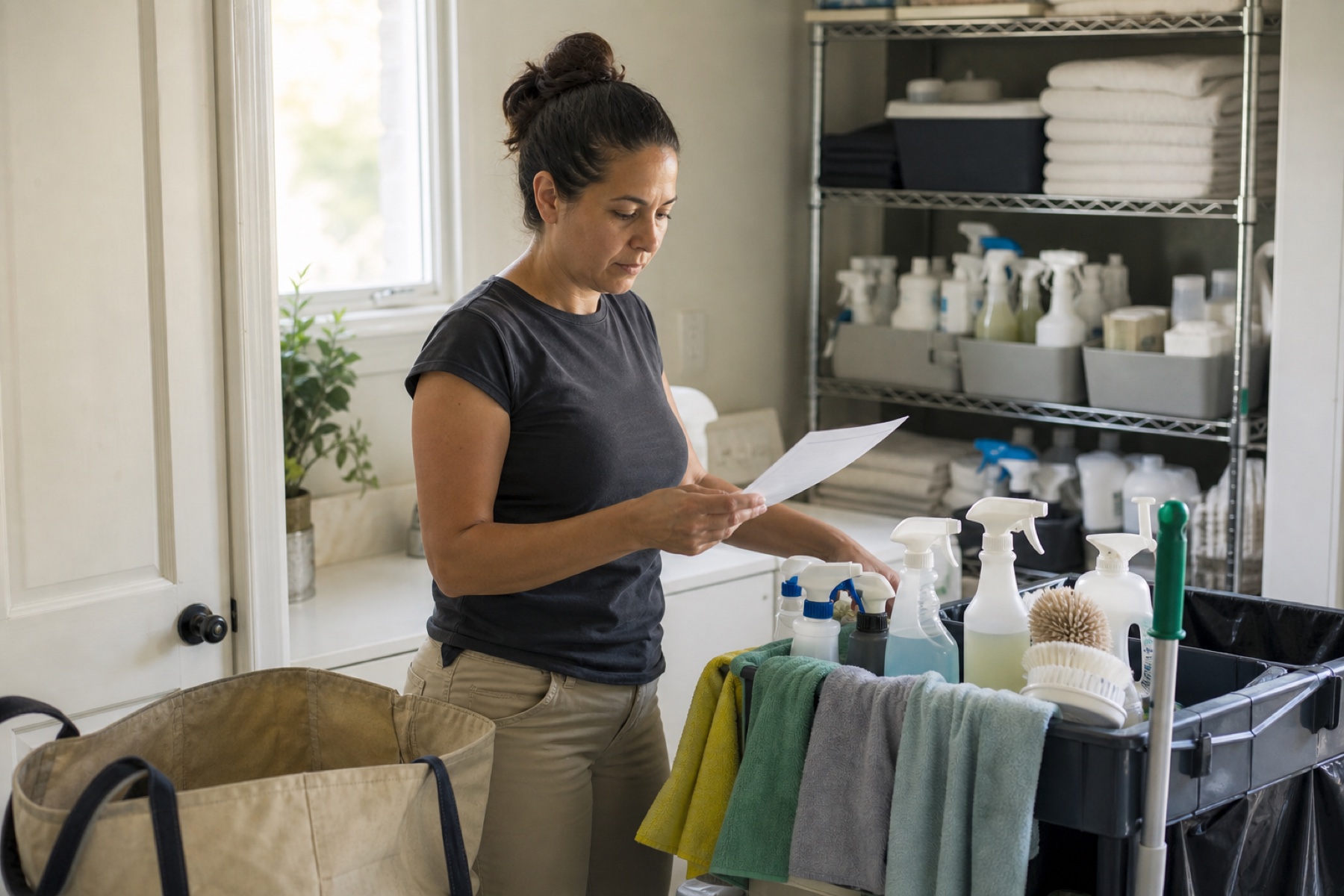
When a cleaning is complete and you decide to pay your cleaner outside PlanAhead—whether by cash, check, Venmo, or another method—the payment obligation doesn't disappear from your workspace. Recording that arrangement clearly helps you track what's owed, prevents duplicate payment requests, and keeps your team aligned on who has been paid and when.
Direct payment arrangements happen between you and your cleaner, outside PlanAhead's protected payment system. But the record of that arrangement lives inside the app, so your admins and the cleaner can see the same status. This article walks you through what to document and why each detail matters.
Why Recording Direct Payment Matters
After checkout, PlanAhead surfaces a payment-due card near the top of your Schedule. That card shows the cleaner's name, the property, the date, and the amount owed. If you arrange payment directly with the cleaner but don't record it in the app, the payment-due card stays visible, and your admins or the cleaner may think the invoice is still unpaid. This confusion can lead to duplicate payment requests, awkward follow-ups, or a cleaner who feels forgotten.
Recording a direct arrangement is not the same as proof that the cleaner was paid. It's a record that you and the cleaner have agreed on a payment method and timing outside PlanAhead. Later, when the payment actually clears, you can mark the invoice paid in the app, and the payment-due card disappears. This two-step process—arrange, then mark paid—keeps your records honest and your team informed.
A clear record also protects both of you. If a cleaner later claims they were never paid, you have a timestamped note showing when you arranged the payment and what method you agreed on. If you later forget whether you paid someone, the app reminds you. These small details prevent misunderstandings that damage trust.
- Open the cleaning details after checkout
- Tap Arrange payment directly
- Note the payment method and timing you agreed on
- Mark the invoice paid once the payment clears
What Details to Record
When you tap Arrange payment directly, PlanAhead records that the payment is no longer an unarranged obligation. But the app doesn't collect or hold the money—that happens between you and the cleaner. You should document the specifics in a way that both you and your team can understand later.
Record the payment method: cash, check, Venmo, bank transfer, or whatever you agreed on. If you're paying by check, note the check number if you have it. If you're using a digital service, include the account or reference number. This detail helps you reconcile your own records and proves you took action. Record the timing: did you pay on the spot, or will you pay within a few days? If the cleaner is waiting for payment, be specific about when they can expect it. A cleaner who knows exactly when to expect money is less likely to follow up with a worried message.
- Write the payment method in your workspace notes or message
- Include the expected payment date
- Confirm the total amount with the cleaner
- Send a confirmation message to the cleaner through PlanAhead
How to Mark the Invoice Paid
Once the payment actually clears—the check is cashed, the Venmo transfer completes, or the cash is in the cleaner's hand—you can mark the invoice paid in PlanAhead. This step tells your team that the payment obligation is complete and removes the payment-due card from your Schedule.
Open the cleaning details and look for the payment card. If you've already arranged payment directly, you'll see an option to Mark paid. Tap it, and the invoice status changes. The payment-due card disappears from your Schedule, and the cleaner can see that you've recorded the payment. Marking an invoice paid is different from arranging payment directly. Arranging payment means you've agreed on a method and timing. Marking paid means the money has actually moved. Don't mark an invoice paid until you're certain the payment has cleared. If you mark it paid too early and the payment fails, you'll have to correct the record and follow up with the cleaner again.
- Wait until the payment clears
- Open the cleaning details
- Tap Mark paid
- Confirm the payment status in your workspace messages
Keeping Your Team Aligned
If you have admins or other owners in your workspace, they can see the same payment-due cards and payment status that you see. If you arrange payment directly without telling them, they might think the invoice is still unpaid and send a duplicate payment request to the cleaner. This creates confusion and makes your team look disorganized.
Send a quick message in your workspace after you arrange payment. Something like 'Paid Sarah by Venmo on Tuesday for the March 15 turnover' takes 10 seconds and prevents your admins from wondering what happened. If you have a backup cleaner or a team member who covers for you, they need to know the payment status too. Consistency matters, especially if a cleaner works with multiple owners in your workspace.
- Message your team after arranging payment
- Confirm payment status with your admins
- Check that all cleaners see the same payment record
- Review payment reminders to ensure they've stopped
When Direct Payment Makes Sense
Direct payment arrangements work well when you're paying a cleaner you know well, when you have a reliable payment method already set up, or when you want to avoid app fees. Some owners prefer to pay by cash or check for simplicity. Others use direct payment as a way to offer a small bonus or tip without going through the app.
Direct payment also makes sense if your cleaner doesn't have a payout account set up in PlanAhead yet. A cleaner can add a personal payout destination in their Settings, but if they haven't done that, arranging payment directly is a practical alternative. However, direct payment means PlanAhead doesn't collect or hold the money, and you can't request a refund through the app if something goes wrong. If a payment fails or a dispute arises, you'll have to resolve it with the cleaner outside PlanAhead. This is why clear documentation is so important: it's your only record if you need to prove what you agreed on.
- Confirm the cleaner's preferred payment method
- Verify they have a payout account or prefer direct payment
- Document any special terms or timing
- Keep records for your own accounting
Limitations and checks
- Directly arranged payments occur outside PlanAhead and are not collected, held, or protected by PlanAhead. You are responsible for ensuring the payment actually reaches the cleaner.
- A payment-due card or payment status does not by itself prove that the cleaner was paid. You must mark the invoice paid in the app after the payment clears.
- If a dispute arises over a directly arranged payment, you must resolve it with the cleaner outside PlanAhead. PlanAhead cannot mediate or refund a payment that was not collected through the app.
- PlanAhead is not a payroll service, tax adviser, or employer. Recording a payment in the app does not affect tax reporting, employment status, or any legal obligations you may have.
Frequently asked questions
What's the difference between arranging payment and marking it paid?
Arranging payment means you've agreed with the cleaner on a method and timing—for example, 'I'll pay you by Venmo on Friday.' Marking paid means the money has actually transferred. Always arrange first, then mark paid once the payment clears. This two-step process keeps your records accurate and prevents duplicate payment requests.
Can I arrange payment directly if the cleaner doesn't have a payout account?
Yes. A cleaner can add a personal payout destination in their Settings, but they don't have to. If they haven't set one up, arranging payment directly is a practical way to pay them outside the app. Once they set up a payout account, you can switch to protected payments if you prefer.
What happens if I mark an invoice paid but the payment actually fails?
If you mark an invoice paid and the payment doesn't go through, you'll need to correct the record and follow up with the cleaner. This is why it's important to wait until the payment actually clears before marking it paid. If you use PlanAhead's protected payment system, the app handles this automatically and prevents this kind of mistake.
Do my admins see the same payment status I do?
Yes. All owners and admins in your workspace see the same payment-due cards and payment status. If you arrange payment directly without telling them, they might think the invoice is still unpaid. Send a quick message to your team after you arrange payment so everyone knows the status.
This article provides general operational guidance. Calendar-feed timing depends on third-party systems; confirm urgent changes directly.