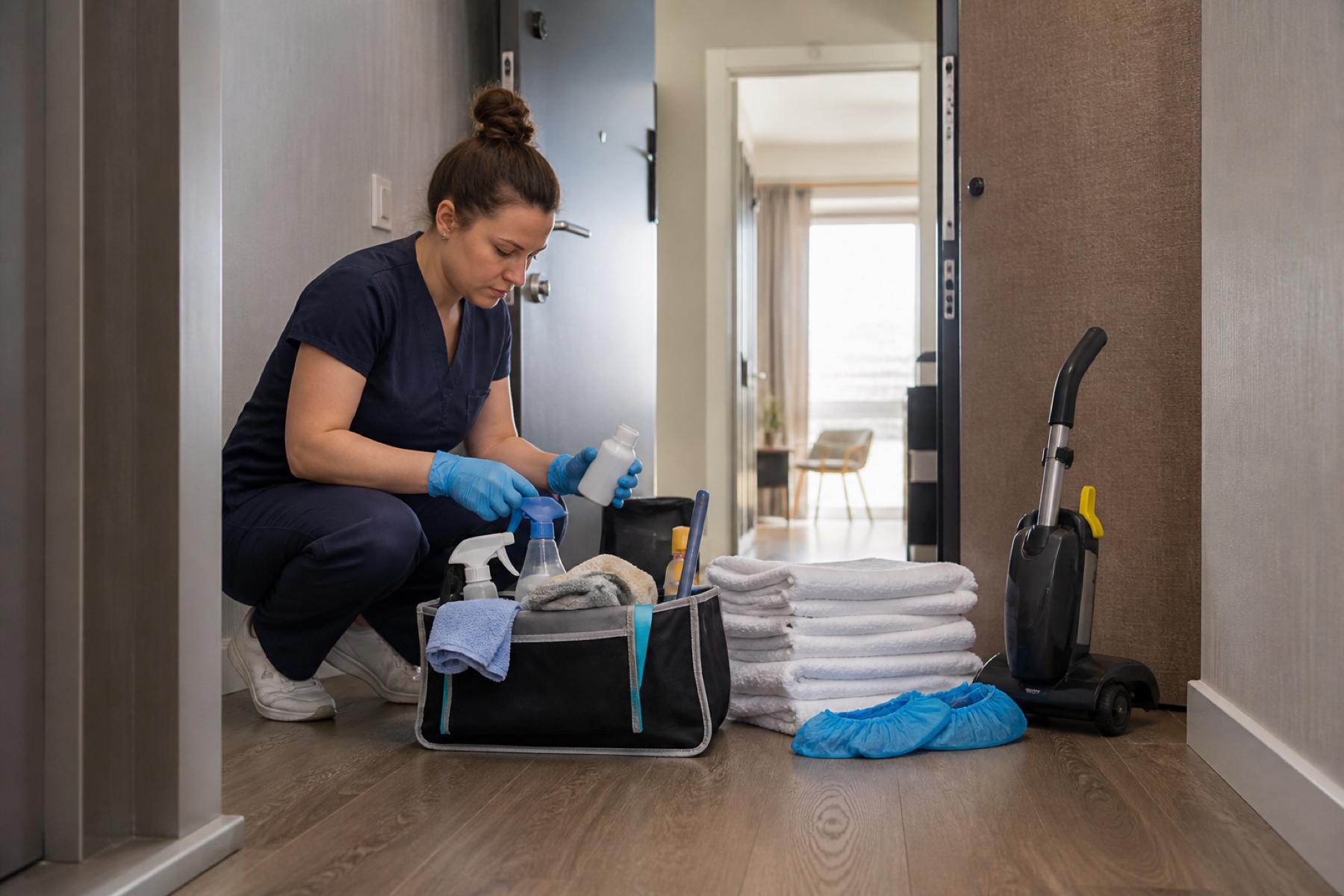
A hard deadline in cleaning is a fixed moment when a property must be ready: a guest arrival, a checkout time, or a booking window that cannot move. Unlike routine maintenance, deadline-driven cleanings have no flexibility. If a guest checks in at 3 p.m., the property must be clean and ready by 3 p.m., not 3:15 p.m. Building a schedule that respects these constraints requires planning backward from the deadline, accounting for travel time, and preparing for the unexpected.
This guide walks you through practical steps to organize your cleaning schedule around hard deadlines, identify risks early, and set up backup plans so that missed deadlines become rare.
Start with the deadline and work backward
The first step is to identify every hard deadline on your calendar. For vacation rentals, these are guest arrivals and departures. For property managers, they might include lease signings, inspections, or move-in dates. Write down the deadline time, not just the date. A 3 p.m. guest arrival is different from a 6 p.m. arrival.
Once you have the deadline, subtract the time needed to complete the cleaning. A standard turnover might take two hours; a deep clean might take three or four. This gives you the latest time the cleaning can start. If a guest arrives at 3 p.m. and the turnover takes two hours, the cleaning must start by 1 p.m.
Next, add travel time. If your cleaner needs 20 minutes to drive from the previous job to this property, the cleaner must leave the previous job by 12:40 p.m. This is where many schedules break down: travel time is forgotten or underestimated. Be honest about distance, traffic patterns, and the time needed to check in to the property.
Once you have a realistic start time, check whether your assigned cleaner can actually begin work then. If the previous job runs late, or if the cleaner is already booked elsewhere, the deadline is at risk. This is the moment to identify conflicts and decide whether to adjust the schedule, assign a backup cleaner, or alert the property owner that the deadline may slip.
- List all hard deadlines for the next two weeks with exact times.
- Calculate the latest start time for each cleaning, including travel.
- Check your assigned cleaner's schedule for conflicts or tight margins.
- Identify which deadlines have the least buffer time and flag them for review.
Use calendar feeds to surface time-sensitive windows
If your property bookings come from a vacation-rental platform or calendar service, connecting that feed to PlanAhead can automatically populate your cleaning schedule. This saves manual data entry and reduces the risk of missed deadlines. However, calendar feeds are not instant: refresh delays can occur, and a feed can become stale if the third-party system is temporarily unavailable.
When you connect a compatible iCal feed to a house, PlanAhead groups upcoming, later, missed, and completed work and surfaces time-sensitive turnover windows. You can see at a glance which cleanings are coming up and which ones have tight deadlines. The schedule view also shows calendar health and cached feed data, so you can notice if a feed has stopped updating.
Do not rely on the feed alone for urgent changes. If a guest cancels or reschedules, confirm the change directly with the property owner or booking system before assuming the feed has updated. A calendar event or assignment does not by itself prove that a cleaner accepted or completed a job, so treat the feed as a starting point, not a guarantee.
- Connect your booking platform's iCal feed to each property in PlanAhead.
- Review the Schedule view weekly to spot time-sensitive turnovers.
- Check calendar health indicators to confirm feeds are updating normally.
- For urgent deadline changes, confirm directly with the property owner or booking system.
Assign cleaners early and confirm attendance the day before
Assigning a cleaner to a deadline-driven cleaning should happen as soon as the deadline is known, not the day before. Early assignment gives you time to spot conflicts and arrange backup coverage if needed. When you assign a cleaner, you are making that person responsible for the cleaning. However, assignment does not by itself mean the cleaner confirmed attendance, checked in, completed the work, or was paid.
The day before a deadline cleaning, the assigned cleaner can answer the attendance question with Yes or No. This is your last chance to catch a problem. If the cleaner answers No, or if they do not respond by a set time, you need to act immediately. Do not wait until the morning of the deadline to discover that your cleaner cannot attend.
If the assigned cleaner cannot attend, the configured backup cleaners can be asked to cover. The first backup who accepts becomes the assigned cleaner for that one cleaning without changing the house default. If nobody accepts backup coverage, the cleaning remains unassigned and you must choose what happens next. PlanAhead does not automatically choose who may enter a property, so you retain full control over this decision.
- Assign a cleaner to each deadline cleaning at least one week in advance.
- Set a reminder to check attendance confirmations the day before each deadline.
- Configure backup cleaners for each property so you have options if the primary cleaner cannot attend.
- If backup coverage is declined, decide immediately whether to reassign, reschedule, or alert the property owner.
Plan realistic routes and travel buffers
If your team cleans multiple properties in one day, the order matters. Route ordering, travel buffers, and deadline warnings help teams plan a realistic day. Start by mapping out the properties in geographic order, not in the order they appear on your calendar. A cleaner who jumps between distant properties wastes time and risks missing deadlines.
For each property, estimate the travel time from the previous job, add a small buffer for unexpected delays, and then add the cleaning time. If the total time exceeds what is available before the deadline, the route is not realistic. You may need to split the route across two cleaners, reschedule a non-deadline cleaning to another day, or start earlier.
Be conservative with buffers. A 20-minute drive can become 30 minutes in traffic. A cleaning that usually takes two hours might take two and a half if the property is messier than expected. If you plan with no margin, the first small delay will cause you to miss the deadline. A 15-minute buffer per job is a reasonable starting point; adjust based on your local conditions and team experience.
- Map your team's route for each day, grouping properties by geography.
- Add 15 minutes of buffer time between jobs to account for delays.
- Identify which deadline cleaning is the most time-sensitive and schedule it first.
- If the route is too tight, split it across two cleaners or move a non-deadline cleaning to another day.
Limitations and checks
- PlanAhead is not a property-management system, booking channel, or guarantor of cleaner availability or work quality. Calendar-feed refresh can be delayed by third-party systems; urgent changes should be confirmed directly.
- A calendar event, assignment, or payment status does not by itself prove that a cleaner accepted or completed a job. Directly arranged payments occur outside PlanAhead and are not collected, held, or protected by PlanAhead.
- Plan availability, limits, marketplace coverage, and notification delivery can vary by account, location, device, and configuration.
Frequently asked questions
What if my cleaner confirms attendance but then does not show up?
If a cleaner does not show up after confirming attendance, contact them immediately to find out what happened. If they are unavailable, activate your backup plan right away. Message your backup cleaners and ask who can cover. The first backup who accepts becomes the assigned cleaner for that cleaning. If no backup is available, contact the property owner and guest to explain the situation and give a realistic update on when the property will be ready.
How much buffer time should I add between deadline cleanings?
Add at least 15 minutes of buffer time between jobs to account for traffic, parking, or unexpected delays. If your properties are far apart, or if traffic is unpredictable in your area, add 20 to 30 minutes. Be conservative: a cleaning that usually takes two hours might take two and a half if the property is messier than expected. If you plan with no margin, the first small delay will cause you to miss the deadline.
Should I use a calendar feed or add deadline cleanings manually?
If your bookings come from a vacation-rental platform or calendar service, connect the iCal feed to PlanAhead. This saves time and reduces the risk of missed deadlines. However, calendar feeds can have refresh delays, and a feed can become stale if the third-party system is temporarily unavailable. For urgent deadline changes, confirm directly with the property owner or booking system before assuming the feed has updated.
This article provides general operational guidance. Calendar-feed timing depends on third-party systems; confirm urgent changes directly.