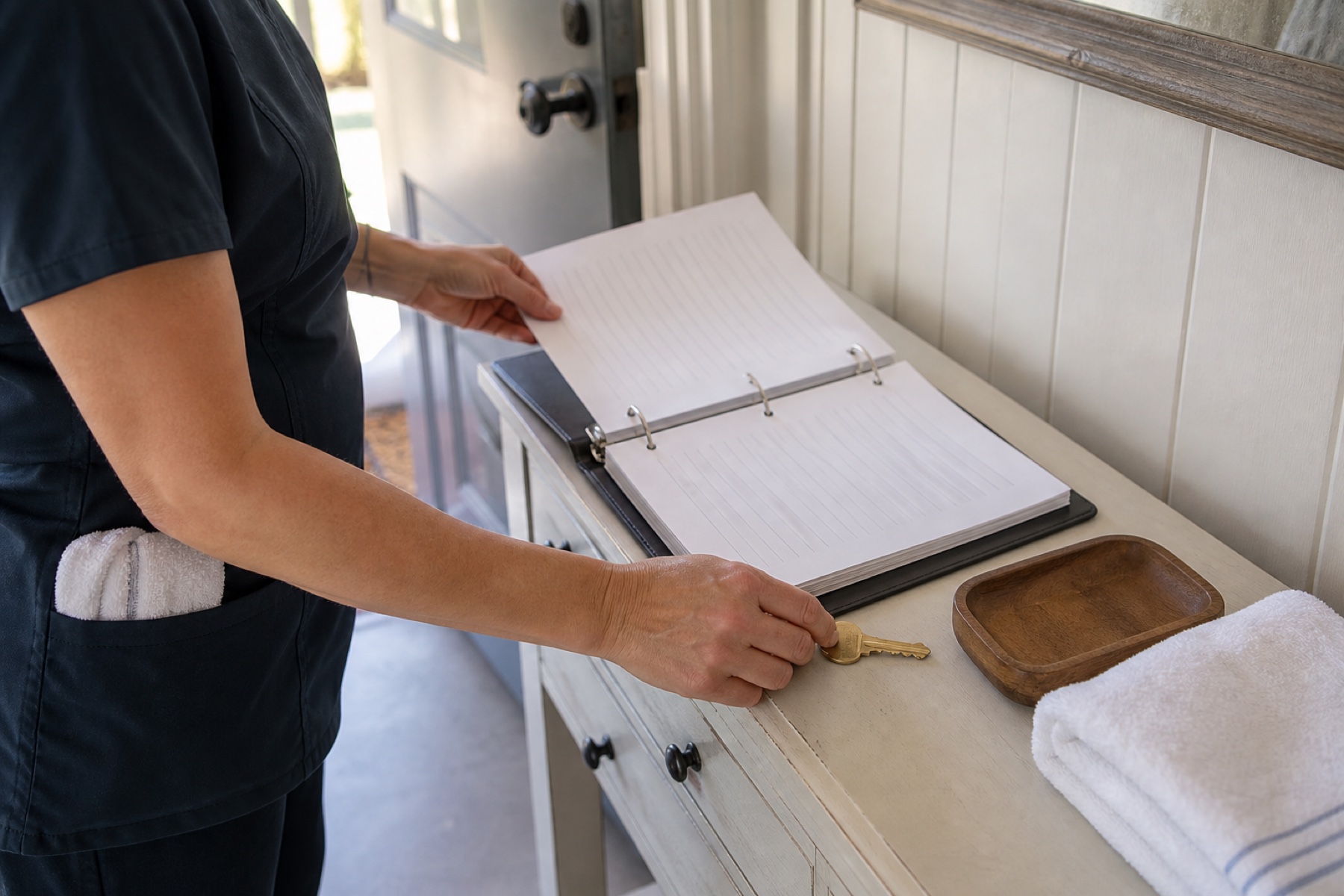
When you write cleaning notes for a vacation rental or short-term property, it's tempting to include everything you know about the guest—their name, arrival time, special requests, or contact information. But storing unnecessary guest data in cleaning notes creates security and privacy risks that grow with every cleaner who sees the file. This article explains what information cleaners actually need and how to organize your property instructions so your team can work safely and efficiently.
The core principle is simple: cleaners need to know how to clean the property and what to prepare for the next guest. They don't need to know who the current guest is or how to reach them. By separating permanent property instructions from one-time cleaning details, you reduce the exposure of sensitive information and make your notes easier to scan during a busy day.
Why Guest Data Doesn't Belong in Cleaning Notes
Cleaning notes live in a shared workspace where multiple people can see them—owners, admins, backup cleaners, and the assigned cleaner. Each person who accesses the note is another potential point where guest information could be misused or accidentally shared. Guest names, phone numbers, email addresses, and arrival times are personal information that increases your liability if the data is exposed.
Cleaners need to know the condition of the property, which rooms to prioritize, where supplies are stored, and what to prepare for turnover. They don't need to know the guest's name, how long they're staying, or whether they have children. When you keep guest data out of cleaning notes, you also reduce the risk that a cleaner will contact a guest directly, which can blur professional boundaries and create confusion about who manages guest communication.
The deadline itself—the time the next guest arrives—is the only urgency signal cleaners need. PlanAhead's schedule views surface time-sensitive turnover windows and deadline warnings, so your team knows when a cleaning is critical without needing to know who's arriving.
- Review your last five cleaning notes and identify any guest names, phone numbers, or personal details you included.
- Ask yourself: Does the cleaner need this information to complete the job? If not, remove it.
- Create a template for cleaning notes that focuses on property condition, task lists, and turnover readiness.
What Cleaners Actually Need to Know
Effective cleaning notes answer operational questions: What's the condition of the property right now? What tasks are required for this turnover? Where are supplies, keys, or access codes? What should be ready before the next guest arrives? These details help cleaners work independently and confidently, even if they're unfamiliar with the property.
Permanent property instructions—like where the vacuum is stored, how to lock the front door, or which surfaces need special care—should be kept separate from one-time cleaning details. This separation means you write the permanent instructions once and reuse them for every cleaning, while one-time notes focus only on what's different about this specific turnover. For example, a permanent note might say 'Vacuum all carpets with the Dyson in the hall closet,' while a one-time note might say 'Guest spilled coffee on the living room rug; treat before vacuuming.'
Task lists in PlanAhead can include photos of problem areas, diagrams of the property layout, or checklists that cleaners can check off as they work. This visual approach is faster to scan than long paragraphs and reduces the chance that a cleaner will miss a detail.
- Write down the permanent instructions for each property—storage locations, appliance quirks, access procedures, and cleaning priorities.
- For each cleaning, write only the one-time details: condition issues, special requests, or changes from the standard routine.
- Use task lists or checklists in PlanAhead to break down the work into scannable steps.
Organizing Notes for Speed and Safety
Cleaners often work under time pressure, especially during back-to-back turnovers. Notes that are long, dense, or mixed together slow them down. When you separate permanent property instructions from one-time cleaning details, you make it easier for a cleaner to find what matters right now.
Use clear headings and short paragraphs. Instead of 'The guest might have left the kitchen messy and there's a stain on the bedroom carpet that needs attention,' write 'Kitchen: Clean and organize. Bedroom: Treat carpet stain before vacuuming.' Bullet points and numbered lists are faster to scan than prose, especially on a phone screen where space is limited.
Avoid vague language like 'Make sure everything is perfect' or 'The guest was difficult.' These phrases don't tell a cleaner what to do. Instead, describe the specific condition and the specific action: 'Bathroom mirror has toothpaste spots; use glass cleaner and a microfiber cloth.'
- Break your cleaning notes into sections: Permanent Instructions, One-Time Details, and Task List.
- Use bullet points and short sentences instead of paragraphs.
- Replace vague language with specific, actionable details that a cleaner can complete and verify.
When to Use Messages Instead of Notes
Sometimes you need to communicate with a cleaner about a cleaning, but the information isn't part of the permanent property record. For example, you might need to let a cleaner know that a guest checked out early or that you've arranged for a locksmith to meet them at the property. These time-sensitive, one-off details belong in a message, not in the cleaning notes.
PlanAhead's workspace messages support everyday crew communication tied to specific cleanings. When you send a message about a cleaning, it stays connected to that job and doesn't clutter the permanent property instructions. Messages can include text, media, voice messages, and replies, so you can communicate quickly and clearly without storing unnecessary information in the property record.
Using messages for temporary details also means you can delete or archive the conversation after the cleaning is complete, while permanent property instructions remain available for future reference. This approach keeps your workspace organized and reduces the amount of old, irrelevant information that cleaners have to sort through.
- Use cleaning notes for permanent property instructions and one-time condition details.
- Use messages for time-sensitive communication, schedule changes, or information that won't be needed after the cleaning is complete.
- Review your messages after a cleaning is done and delete any that contain sensitive information you no longer need to keep.
Access Control and Data Retention
PlanAhead uses role-based access to limit which workspace actions each person can take. Owners and admins can see all cleanings and notes, while cleaners see only the cleanings assigned to them. However, role-based access is not a substitute for careful data practices. If a cleaner is assigned to a cleaning, they can see the notes for that job. If you include guest contact information in the notes, that cleaner will see it.
If a cleaner's phone is lost or stolen, or if they share their login with someone else, that information could be exposed. The safest approach is to keep guest data out of cleaning notes entirely, rather than relying on access controls to protect it. When you remove a cleaner from your workspace, they lose access to future cleanings and messages, but they may retain information they saw while they were active.
Keep guest contact information in a separate system—your booking platform, property-management system, or a private document—not in PlanAhead. This separation ensures that even if a cleaner's access is compromised, they cannot retrieve guest details from your cleaning notes.
- Assume that any information in a cleaning note will be seen by the assigned cleaner and any backup cleaners.
- Keep guest contact information in a separate system outside of PlanAhead.
- When a cleaner leaves your team, remind them to delete any notes or screenshots they may have saved from your workspace.
Limitations and checks
- PlanAhead is not a property-management system or booking platform. Guest information should be managed in your booking system or property-management software, not in PlanAhead.
- Role-based access limits which workspace actions each person can take, but does not prevent a cleaner from copying, sharing, or retaining information they see in cleaning notes while they have access.
- This article does not provide legal, privacy, or security advice. Consult your local regulations and a security professional about how to protect guest data in your specific situation.
Frequently asked questions
What if a cleaner needs to contact the guest about access or an emergency?
Cleaners should contact you or your admin first, not the guest. You can then decide whether to share guest contact information directly with the cleaner, or to contact the guest yourself and relay the message. This approach keeps you in control of guest communication and prevents cleaners from having unnecessary access to guest details. If a cleaner needs to reach you urgently, they can call or message you through PlanAhead.
Is it safe to include access codes or lockbox combinations in cleaning notes?
Access codes and lockbox combinations are operational details that cleaners need to do their job, so it's reasonable to include them in property instructions. However, you should change codes regularly and remove old codes from your notes. If a cleaner leaves your team or loses access to a property, change the code so they can't return to the property later. Store backup codes in a separate, secure location outside of PlanAhead.
How do I handle special requests from guests without including guest details in cleaning notes?
Translate guest requests into property instructions. For example, if a guest asks you to stock the kitchen with specific snacks, write 'Stock kitchen with: coffee, tea, granola bars' instead of 'Guest requested snacks.' If a guest has a pet allergy, write 'Use hypoallergenic cleaning products and vacuum thoroughly' instead of 'Guest has pet allergies.' This way, the cleaner knows what to do without knowing who the guest is.
This article provides general operational guidance. Calendar-feed timing depends on third-party systems; confirm urgent changes directly.