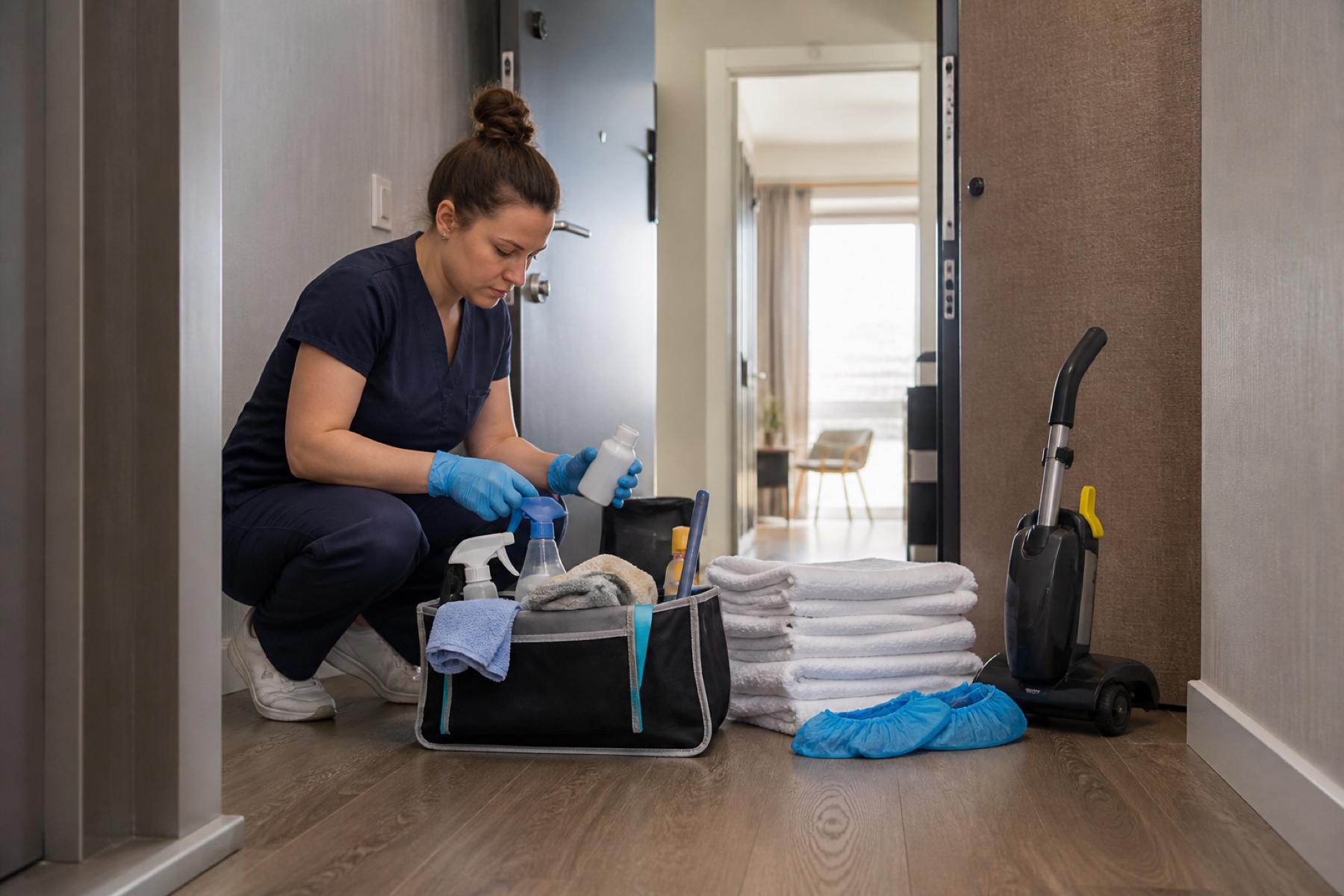
The end-of-clean walkthrough is your last chance to catch missed details, verify that the property is guest-ready, and communicate what was done. A structured walkthrough protects your reputation, prevents callback complaints, and gives owners confidence that the turnover is complete.
This guide walks you through a practical room-by-room process, explains what to document, and shows how to hand off your work clearly so that owners and managers know exactly what they're getting.
Start with a Clear Checklist
Before you begin the walkthrough, review the cleaning task list and any property instructions that came with the job. If the property has permanent instructions stored separately from one-time requests, read both. This prevents you from missing a detail that was added after the initial booking.
Write down or mentally note any special requests: extra linens to fold a certain way, specific appliances to clean, areas that need extra attention, or items that should be restocked. If the instructions are unclear or seem to conflict with the property's standard process, take a photo or note the question now—before you finish the job.
Check the deadline. Vacation rentals often have strict guest-arrival times. Knowing whether you have 30 minutes or 3 hours before the next guest arrives changes how you prioritize and whether you have time to fix a problem on the spot.
- Review the task list and property instructions before starting the walkthrough
- Note any special requests or unclear details while the job is fresh
- Confirm the guest-arrival deadline and plan your time accordingly
Walk Each Room Systematically
Start in one corner of the property and move through each room in the same order every time. Consistency helps you avoid skipping areas and makes it easier to spot what's out of place. Check surfaces, floors, and fixtures at eye level and below. Dust settles on baseboards and under furniture; guests notice.
In bedrooms, verify that sheets are clean and tight, pillows are fluffed, and the mattress is free of debris. Check closets and under the bed. Open drawers to make sure nothing was left behind and that they close smoothly. Look for stains, odors, or damage that might not have been visible during the main cleaning.
In bathrooms, confirm that mirrors are streak-free, grout is clean, and the toilet bowl is spotless inside and out. Check behind the door, inside the shower caddy, and under the sink. Verify that soap, towels, and toilet paper are stocked and arranged neatly. Run the faucet to confirm water pressure and temperature work as expected.
In common areas, check that the kitchen is fully stocked with the items the property requires—coffee, tea, dish soap, trash bags, or anything else specified in the instructions. Verify that appliances are clean inside and out, the refrigerator is empty and odor-free, and countertops are clear. Look at light fixtures, ceiling fans, and vents for dust or cobwebs.
- Walk the property in the same systematic order every time
- Check surfaces, floors, and fixtures at multiple heights
- Verify that all required items are stocked and arranged correctly
Document What You've Done
Take photos or video of key areas—made beds, clean bathrooms, organized kitchen, empty trash, and any special touches. These images serve as evidence that the work was completed and help owners or managers understand what they're paying for. If a guest later claims something was dirty or missing, photos protect you by showing the property's condition at handoff.
Note any damage, stains, or issues you discovered during cleaning that are not your responsibility to fix. If you found a broken light fixture, a stain you couldn't remove, or a guest item left behind, document it with a photo and a brief note. This prevents confusion later and shows that you were thorough.
If you used the turnover workflow in your scheduling app, upload completion evidence and status updates as you finish. Include photos, notes about what was done, and any issues you flagged. This creates a record that both you and the owner can reference, and it reduces back-and-forth messages about what happened.
- Take photos of completed rooms and key areas as evidence
- Document any damage or issues you found but did not cause
- Upload completion evidence and notes to the app before you leave
Verify Guest-Ready Conditions
Guest-ready means the property is clean, safe, and fully functional for immediate occupancy. Walk through as if you were the arriving guest. Is the front door easy to open? Are lights working? Is the temperature comfortable? Are there any odors, clutter, or safety hazards?
Check that all doors and windows lock and unlock smoothly. Test light switches in every room. Verify that the Wi-Fi network name and password are posted where guests expect them. Confirm that the thermostat is set to a reasonable temperature and that heating or cooling works. If the property has a hot tub, pool, or outdoor area, verify that it's clean and safe.
Look for small details that signal care: toilet paper folded at the corner, welcome items arranged on the counter, instructions posted clearly, or a fresh scent. These touches take seconds but significantly improve the guest experience and reduce complaint calls.
- Walk through the property as an arriving guest would
- Test doors, windows, lights, and climate control
- Add small finishing touches that signal care and attention
Communicate Clearly Before You Leave
If you're using a shared scheduling app, send a message or status update to the owner or property manager before you leave the property. Include the completion time, any issues you found, and confirmation that the property is guest-ready. Be specific: 'Cleaning complete at 2:15 PM. All rooms cleaned, linens changed, kitchen stocked. Found a small stain on the bedroom carpet that I could not remove—flagged for owner review.'
If you discovered something that needs immediate attention—a broken appliance, a plumbing issue, or a safety concern—flag it clearly and suggest next steps. Don't assume the owner knows. A direct message prevents delays and shows that you're thinking about the property's condition, not just your paycheck.
If the property has a backup contact or emergency number, save it in case you need to report an urgent issue after you leave. Some problems don't surface until you're gone, and a quick call can prevent a guest complaint.
- Send a completion message with the time and any issues found
- Flag urgent problems clearly and suggest next steps
- Save the backup contact number in case of post-departure issues
Handle Unfinished Work or Delays
If you run out of time or discover a problem you can't fix before the deadline, communicate immediately. Don't leave the property hoping the owner won't notice. Send a message explaining what's incomplete, why, and what the owner should expect. For example: 'I ran out of time to deep-clean the oven. It's functional and the kitchen is guest-ready, but the oven interior needs attention before the next turnover.'
If the guest-arrival deadline is approaching and you're behind, contact the owner or manager right away. They may be able to extend the deadline, send another cleaner to finish, or adjust guest expectations. Silence creates panic and damages trust.
If you discover damage or a maintenance issue that will delay completion, take a photo, document it, and ask for guidance. The owner may decide to proceed with the turnover anyway, schedule a maintenance visit, or postpone the guest arrival. Your job is to report clearly, not to make that decision alone.
- Report incomplete work or delays before the guest-arrival deadline
- Explain what's unfinished and why, and suggest next steps
- Take photos of any damage or issues that affect the timeline
Limitations and checks
- A walkthrough and completion photos do not guarantee that a guest will be satisfied or that no issues will arise after arrival. Guest expectations, property condition changes, and maintenance problems are outside your control.
- If you discover damage or a maintenance issue, you are reporting it—not responsible for fixing it unless it's part of your cleaning scope. The owner or manager decides what happens next.
- Calendar-feed refresh can be delayed by third-party systems; if you're unsure about the guest-arrival deadline, confirm it directly with the owner or manager rather than relying on the app alone.
- Directly arranged payments or communication outside the app are not protected or tracked by PlanAhead. Keep records of completion messages, photos, and any agreements about payment or follow-up work.
Frequently asked questions
What if I find damage or a stain I can't remove?
Document it with a photo and a note explaining what you found and what you tried. Upload this to the app or send it to the owner immediately. Do not try to hide it or assume the owner will overlook it. Transparency protects your reputation and gives the owner time to decide whether to address it before the guest arrives or handle it later.
How do I know if the property is truly guest-ready?
Walk through as if you were paying to stay there. Check that all rooms are clean, all appliances work, all doors and windows lock, the temperature is comfortable, and there are no odors or clutter. Verify that required items are stocked and that instructions are posted clearly. If you wouldn't be satisfied as a guest, the property isn't ready.
Should I take photos of every room?
Take photos of completed key areas—made beds, clean bathrooms, organized kitchen, and any special touches. You don't need to photograph every corner, but evidence of the main living spaces protects you if a guest later claims something was dirty or missing. Photos also help owners understand what was done and reduce back-and-forth questions.
What if I finish early and the guest isn't arriving for hours?
Complete your walkthrough, document your work, and send a completion message to the owner. Do not leave the property unsecured or assume the owner will lock up. Confirm with the owner or manager that it's safe to leave and that they'll secure the property. If the property has a lockbox or keypad, verify that it's working before you go.
This article provides general operational guidance. Calendar-feed timing depends on third-party systems; confirm urgent changes directly.