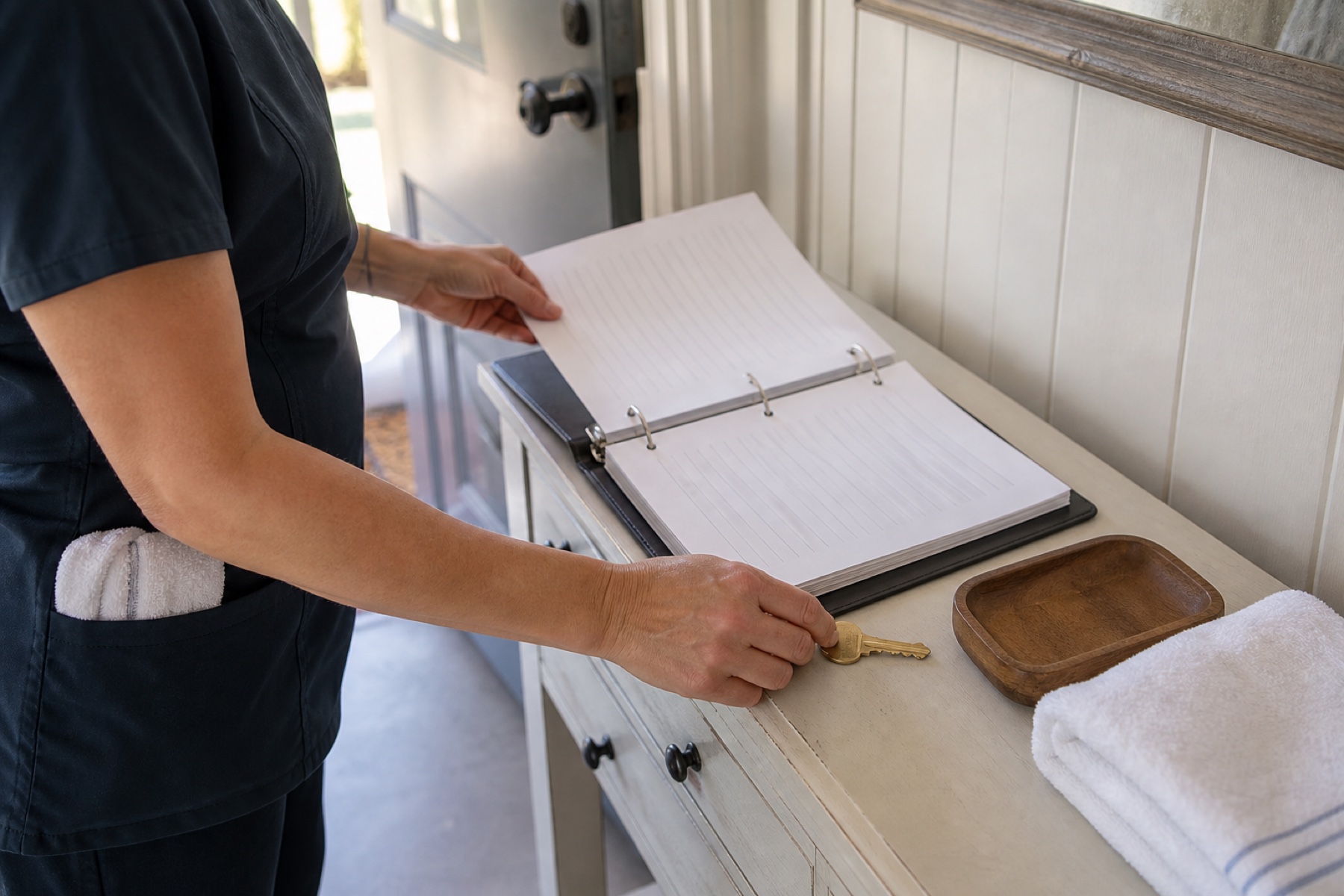
Property notes are a key communication tool between vacation-rental hosts and cleaners.
Clear, specific notes reduce errors, improve efficiency, and help cleaners provide consistent quality.
This guide explains how to structure notes so cleaners understand exactly what is expected.
Start With the Basics
Every property note should include the property address, check-in and check-out dates and times, and the cleaner’s name.
Add the property type (e.g., condo, townhouse, cabin) and the number of bedrooms and bathrooms. This helps the cleaner plan the right supplies and time allocation.
- Write the address, dates, times, cleaner name, property type, bedroom count, and bathroom count at the top of every note.
- Double-check that all dates and times match the booking calendar.
List Known Issues and Special Requests
Note any damage, odors, pest sightings, or maintenance requests that the host has already identified.
Include special requests such as ‘leave extra towels,’ ‘do not use bleach,’ or ‘pet present – please clean thoroughly.’
- Add a separate “Known Issues” section for anything the cleaner needs to address beyond normal cleaning.
- Use bullet points for easy scanning.
Be Specific About Cleaning Expectations
Avoid vague terms like ‘clean’ or ‘tidy.’ Instead, specify tasks such as ‘vacuum all floors,’ ‘wipe down all kitchen surfaces,’ or ‘change all bed linens.’
If a property has high traffic or pets, note that extra attention may be needed in certain areas.
- Replace general words with exact tasks.
- Prioritize tasks by importance if needed (e.g., ‘Top priority: clean oven interior’).
Include Logistics and Access Details
Tell the cleaner where to enter, where to park, and whether a key is in a lockbox or with a neighbor.
Add any gate codes, Wi-Fi passwords, or thermostat settings the cleaner may need.
- Write step-by-step access instructions.
- Include photos or screenshots if the entrance is unusual.
Highlight Post-Cleaning Instructions
Specify where to leave the cleaning supplies, whether to stage items, or if the host will handle linen exchange.
Note any follow-up tasks such as ‘Leave a note for guests about trash disposal’ or ‘Return key to management office.’
- Add a short “After Cleaning” section with 2–3 bullet points.
- Check that these steps match your usual process to avoid confusion.
Common Failure Modes and How to Avoid Them
Missing or incomplete notes often cause delays or missed tasks. Always assume the cleaner has no prior knowledge of the property.
Confusing language or contradictory instructions can lead to arguments or incomplete cleaning. Use plain language and double-check for consistency.
Last-minute changes made only in the PMS may not reach the cleaner. If a change is urgent, call or message the cleaner directly.
- Review each note before sending it.
- Keep a master checklist of required information and tick it off for every property.
- Set a reminder to verify iCal syncs and manually check for urgent updates.
Review and Update Notes Regularly
Properties change – new furniture, updated layouts, or different access points. Update notes each season or after major changes.
If a cleaner repeatedly asks the same question, revise the note to include that information proactively.
- Schedule a quarterly review of all property notes.
- Add a ‘Last Updated’ date at the top of each note.
Limitations and checks
- PlanAhead is not a property-management system; it does not automatically push notes to cleaners unless they are added to the job manually.
- iCal feed delays can mean notes are not refreshed in real time. Check manually for urgent changes.
- PlanAhead does not verify cleaner availability or work quality; clear notes are only one part of reliable service.
Frequently asked questions
What if a cleaner asks a question that isn’t in the note?
Answer the question directly, then update the note for future cleaners. This prevents repeated inquiries and ensures consistency.
How detailed should I be about cleaning tasks?
Aim for enough detail that a new cleaner could follow the note without asking for clarification. Specific tasks, not general terms, work best.
Can I use abbreviations in property notes?
Avoid abbreviations that might be misunderstood. If you must use one (e.g., ‘AC’ for air conditioner), spell it out the first time.
What if I notice a mistake after the cleaner has started?
Contact the cleaner immediately to correct the mistake. Then edit the note for future jobs to prevent recurrence.
This article provides general operational guidance. PlanAhead is not affiliated with Airbnb, Vrbo, or Booking.com. Calendar-feed timing depends on third-party systems; confirm urgent changes manually.